Our Solution
Our Solution

DeltaNova
By Business Case

Version Control & Collaboration

Data Consistency & Management

AI & Automation
By Industry

Aviation

Manufacturing

Legal

Financial Services

Life Sciences
Our Solution
DeltaNova
By Business Case
Version Control & Collaboration
Data Consistency & Management
AI & Automation
By Industry
Aviation
Manufacturing
Legal
Financial Services
Life Sciences
Last updated: 21 November 2025
Configuration files generally include settings for the system they are designed for. At DeltaXignia we sometimes want to compare the config files for different telephones to ensure that they are all set up in the same way. These config files include records of calls in elements with names starting callrecord. We might want to compare two config files from different phones but we’re not interested in the call history. We want to reduce the noise from this information that is never going to match.
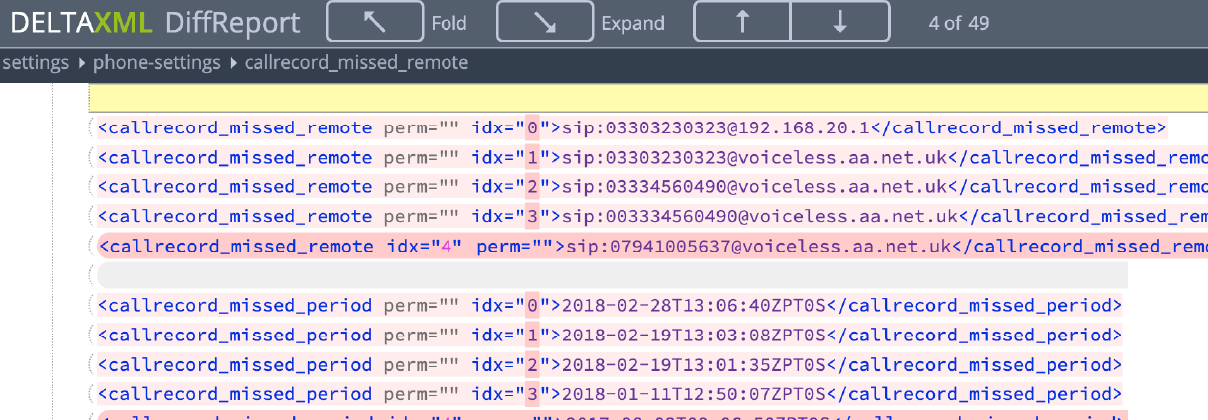
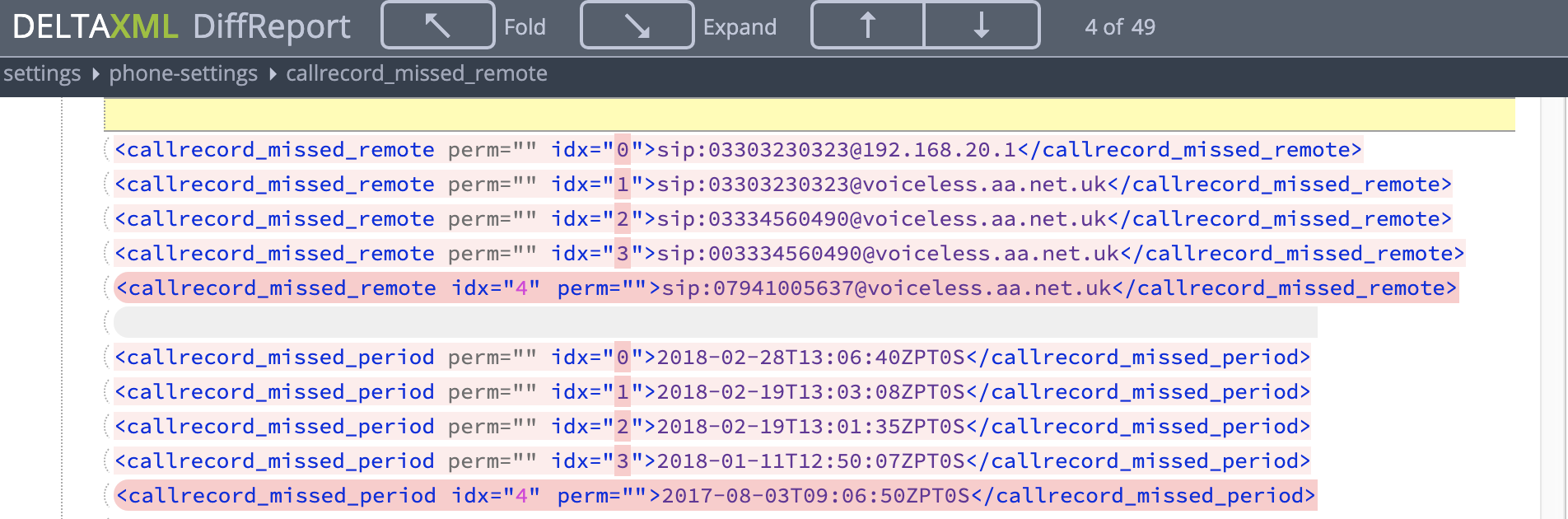
A comparison with an empty config file (but with output to a folding diff report) shows 49 differences:
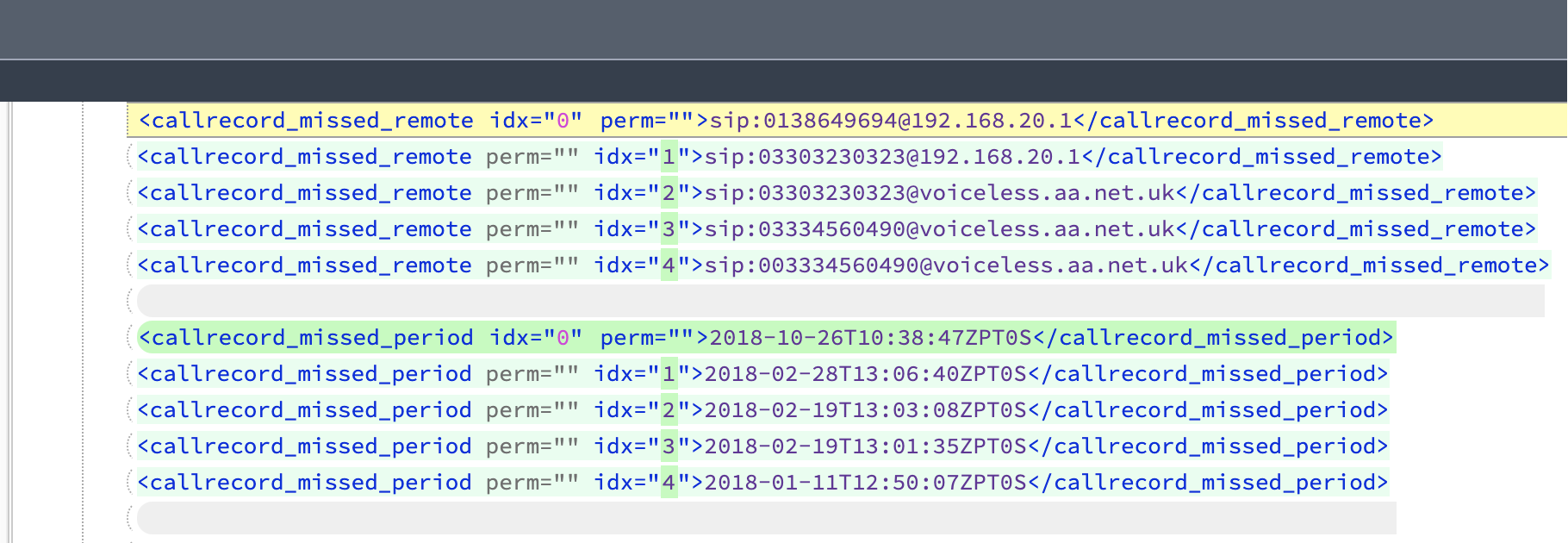
Using a config file that ignores all elements with name starting callrecord where there is a difference reduces the number of differences to just three:

The config file used to ignore the differences was this:
<!--?xml version="1.0" encoding="UTF-8"?--><dcf:configuration xmlns:dcf="com.deltaxml.data.config" xmlns:xsi="http://www.w3.org/2001/XMLSchema-instance" xsi:schemalocation="com.deltaxml.data.config config.xsd" version="1.0" id="ignore-call-records"> <dcf:location name="ignore-call-records" xpath="//*[starts-with(name(.), 'callrecord')]"> <dcf:ignore-changes use="DELETE"> </dcf:ignore-changes></dcf:location> <dcf:output format="sbs-folding-diffreport" changes-only="false"></dcf:output></dcf:configuration>
If the elements that I wanted to ignore all had the same name (say ‘callrecord‘) then the location element required would look like this and would select all elements with a name of ‘callrecord‘:
<dcf:location name="ignore-call-records" xpath="//callrecord"></dcf:location>
There can be as many elements as required. I could have had several elements, pointing to each of the different callrecord types (callrecord_missed_period, callrecord_missed_remote and so on.) The only restriction is that they should all have different name attribute values, for example ignore-call-record1, ignore-call-record2 etc.
Breaking down the XPath expression //*[starts-with(name(.), 'callrecord')]
//* says to look at all elements.
The expression inside the square brackets is a predicate, applying a filter to the elements selected. When the predicate evaluates to be true then the record is included and therefore ignored in the comparison.
The starts-with function expects two parameters, separated by a comma. The first says what we are looking at and the second specifies the characters that it should start with in order for the function to return true.
If you wish to re-use this expression for element names that start xyz then just replace 'callrecord' with 'xyz'
<dcf:location name="ignore-call-record" xpath="//*[starts-with(name(.), 'xyz')]"></dcf:location>
In this case, I have set the use attribute to “DELETE” because I didn’t want to see the changes. If I had used “A” or “B” I would have seen the values from the file I had specified. There are also options to keep the A version if it exists, otherwise, keep the B version (AB) and vice versa.
See our web page Ignore Changes for a general discussion of this feature.
There is a range of samples available on Bitbucket.






From ISO Quality Services Ltd.


